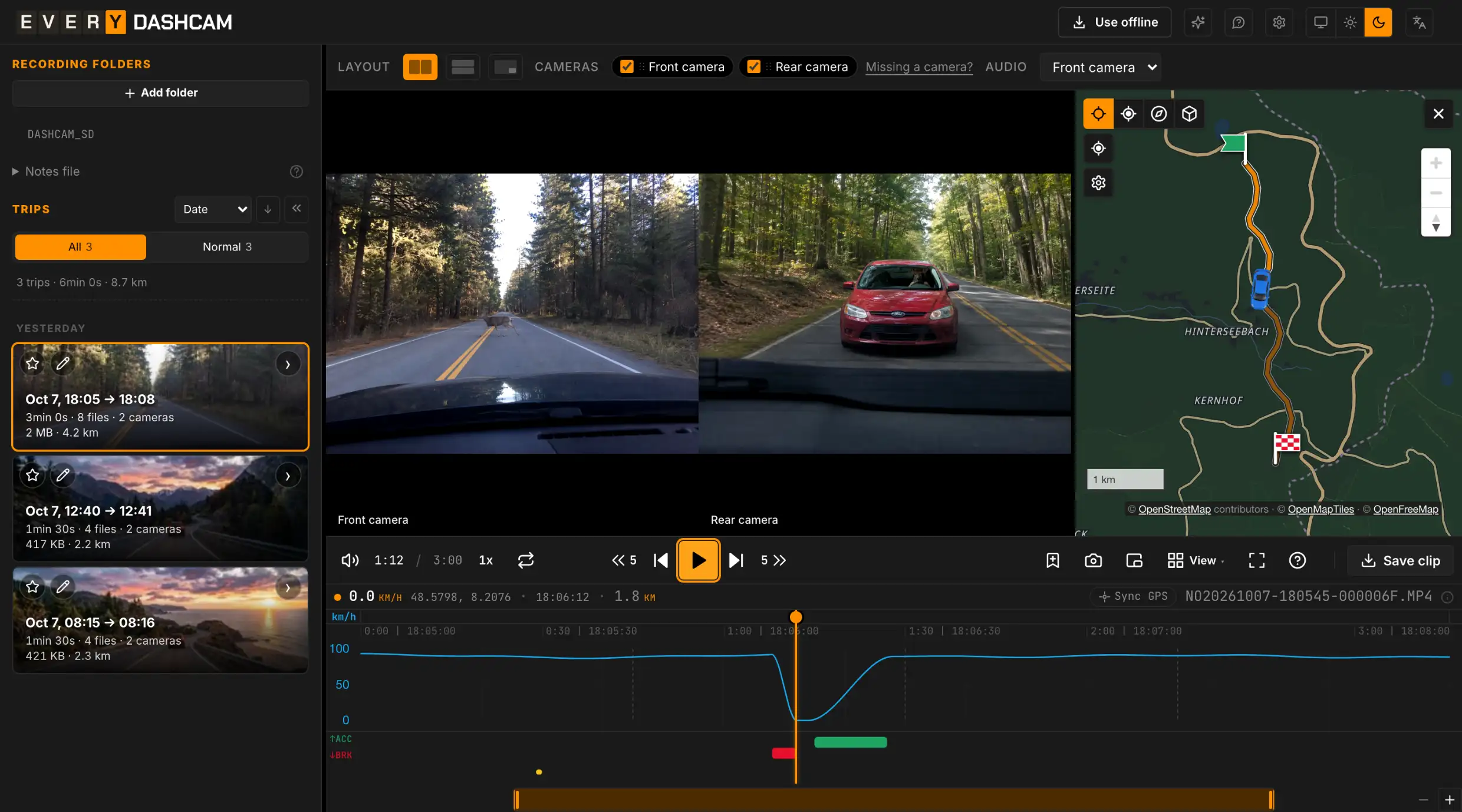
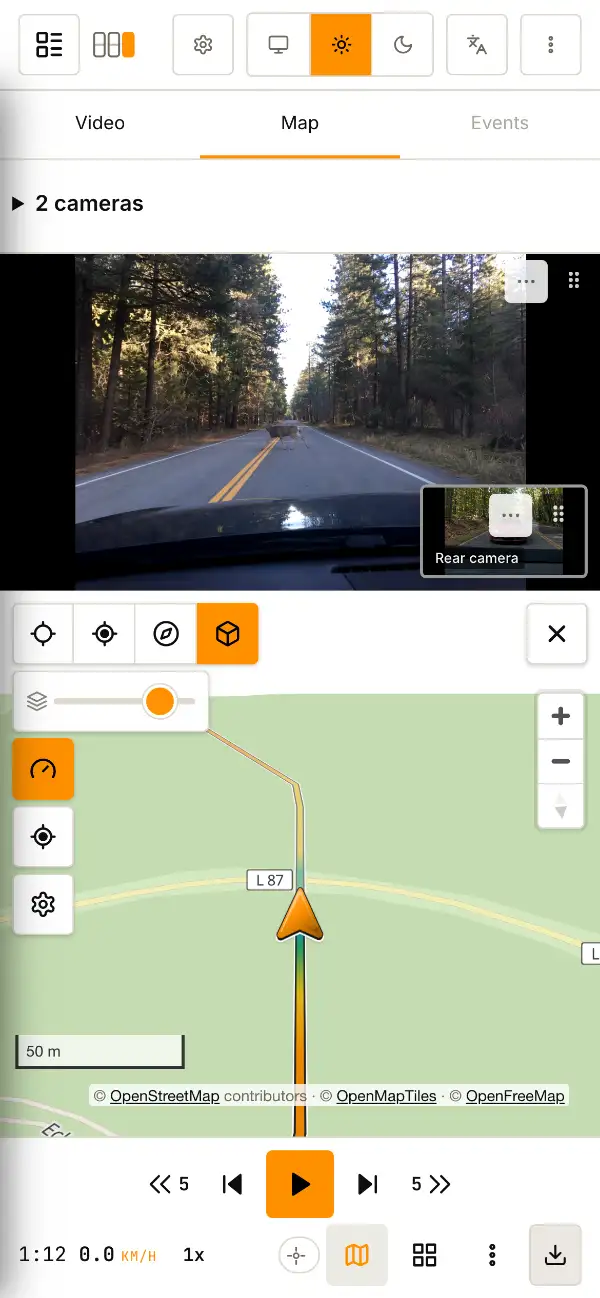
Dashcam player in your browser: video, route, speed.
Open your SD-card folder to watch a trip and save the part you need.
Recent folders
STEP 01
Connect the SD card
Use a card reader or adapter for your computer or phone.
STEP 02
Open the folderOpen the folder
Drag the entire recording folder onto the page or click “Open folder”.Tap “Open folder” and select the entire recording folder on the card.
STEP 03
Choose a trip
Use the shared timeline to seek through the trip and switch between cameras.
- The whole tripShort recordings are grouped into trips with a shared timeline.
- Speed and eventsHard braking and impacts are marked on the chart. Click a mark to jump to that moment.
- All cameras at onceWatch the front, rear and cabin cameras in sync. Enlarge any camera.
- Save a clipSave part of a trip as MP4. You can combine cameras into one video and add speed, coordinates or a map.
- Hide plates & facesYou can blur a license plate or a face before sharing a video. The blur follows the selected object as it moves.
On your computer, tablet or phone
Works in your browser — no installation.
Operating systems
- Windows
- macOS
- Linux
- Android
- iOS
Browsers
- Chrome
- Edge
- Opera
- Brave
- Vivaldi
- Arc
- Yandex Browser
- Firefox
- Safari
For editing and saving large videos, we recommend Chrome or Edge on a computer.
FAQ
Questions about everydashcam
Which dashcams are supported?
Which devices and browsers does it work on?
Works on Windows, macOS, Linux, Android and iOS, right in your browser. Playback and export options depend on your browser and recordings. For editing and saving large videos, we recommend Chrome or Edge on a computer.
Are my recordings uploaded anywhere?
No. Video and GPS data are processed on your device.
Can I watch separate clips as one trip?
Yes. Open the entire SD-card folder: the app groups clips into trips with a shared timeline.
Can I save a clip and hide plates or faces?
Yes. Save a selected time range as MP4 and cover plates and faces with blur, pixels or a solid fill.
Trips or cameras won't join, or GPS is missing?
Is it free? How can I help?
Yes, it’s free. If everydashcam has been useful, share a link and a few words about your experience — it helps others find the project. A GitHub star is welcome too.
Preparing this trip
0 of 0
Chrome, Edge or Safari can usually play this format — open the same folder there.
Front camera Can't play this camera
Rear camera Can't play this camera
Interior camera Can't play this camera
Side camera Can't play this camera

GPS signal · - · - km
GPS data not found. You can still watch and save clips.
km/h g
↑ACC ↓BRK
Map marker
Text size on the map
Street names
Track shift
Map background unavailable