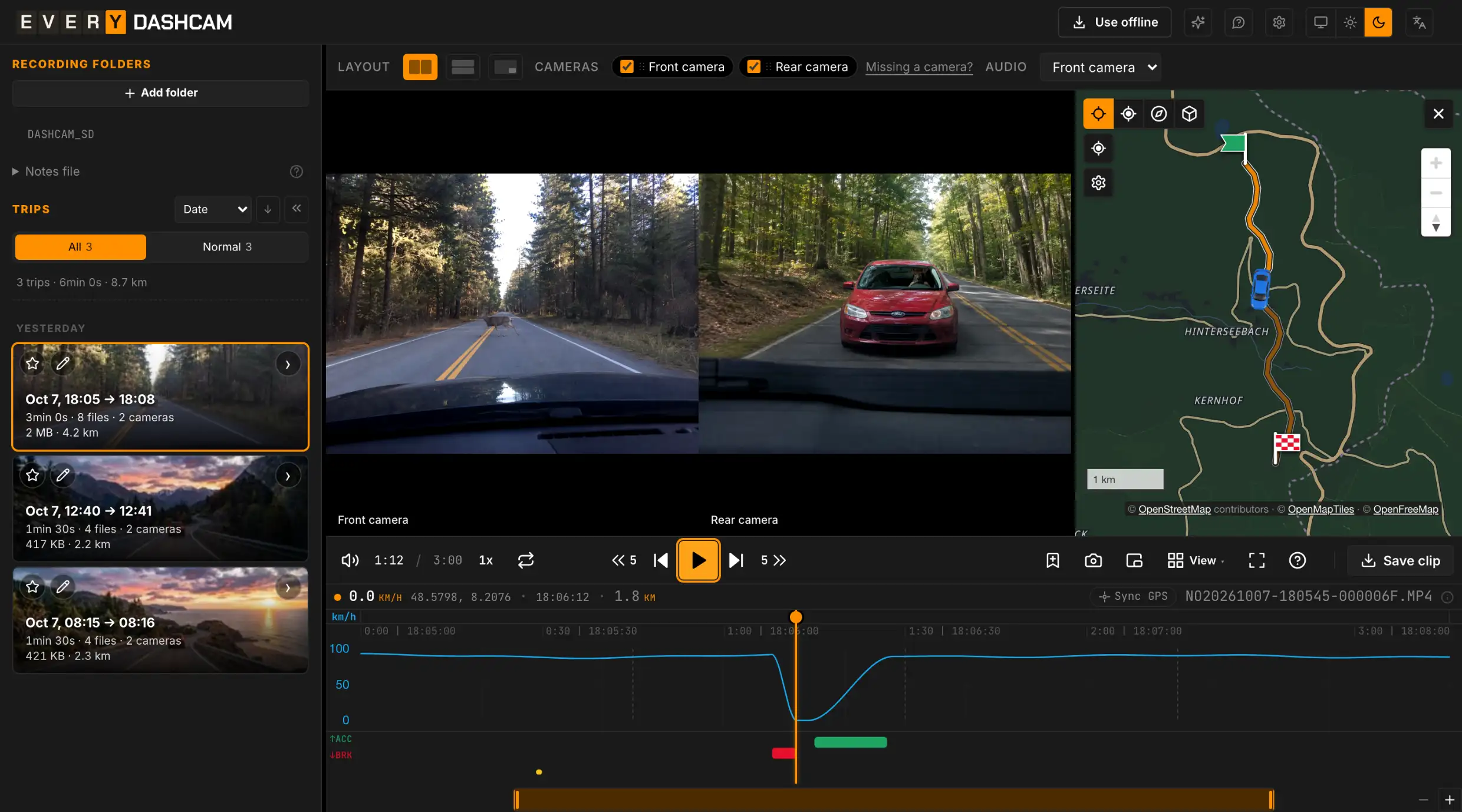
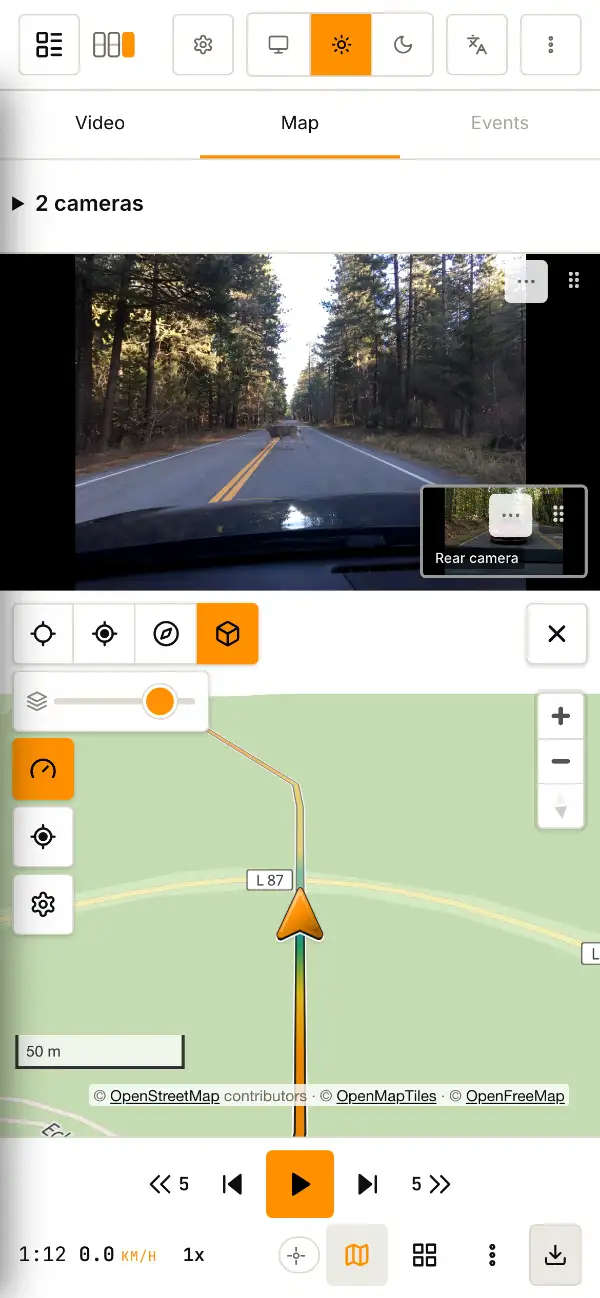
Free dashcam player in your browser: video, route, speed.
Open your SD-card folder to watch a trip and save the part you need.
Drop the entire SD‑card folder here Choose the entire SD‑card folder Keep the original filenames and subfolders: the app uses them to group recordings into trips.
Recordings never leave your device
Recent folders
What you can do with your recordings
The whole trip
Short recordings are grouped into trips with a shared timeline. Select a road on the map to find trips that passed through it.Speed and events
Hard braking and impacts are marked on the chart. Click a mark to jump to that moment.All cameras at once
Watch the front, rear and cabin cameras in sync. Enlarge any camera.Save a clip
Save part of a trip as MP4. You can combine cameras into one video and add speed, coordinates or a map.Hide plates & faces
You can blur a license plate or a face before sharing a video. The blur follows the selected object as it moves.
On your computer, tablet or phone
Use Chrome, Edge, Safari, Firefox or another browser on Windows, macOS, Linux, Android or iOS.
For editing and saving large videos, use Chrome or Edge on a computer.
How to open your recordings
Connect your SD card, open the folder containing your recordings, then choose a trip.
FAQ
Questions about everydashcam
Why does my browser ask for access to my folder?
The browser asks for permission to read the folder you choose. Some browsers describe this as uploading files to the site. everydashcam reads your recordings on your device and never uploads them.
Can I open just one recording?
On a computer, drag the video file onto the page. On an iPhone or iPad, tap “Open folder”, then “Choose files”.
Can I play H.265 (HEVC) video or TS files?
You can open TS files directly. To play H.265 (HEVC) video, your browser and device need to support it. If you hear sound but see no picture, try another browser or device.
How can I watch recordings without internet?
Before your trip, open “Use offline” while online to see the options for your device. You can watch local recordings and see their GPS routes offline. The street map needs an internet connection.
Which dashcams are supported?
Trips or cameras won't join, or GPS is missing?
Is export free too?
Yes. Viewing, editing and exporting are all free. To support the project, share a link or give it a GitHub star.
Open your SD-card folder to view recordings
Click a road to find the trips that passed through it
Map background unavailable
Preparing this trip
0 of 0
Chrome, Edge or Safari can usually play this format — open the same folder there.
Front camera Can't play this camera No recording at this moment
Rear camera Can't play this camera No recording at this moment
Interior camera Can't play this camera No recording at this moment
Side camera Can't play this camera No recording at this moment

GPS signal · - · - km
GPS data not found. You can still watch and save clips.
Map marker
Text size on the map
Street names
Track shift
Map background unavailable